
Universal Data Dictionary
DataCatalog
Auto-discover tags, map hierarchies, define engineering units. One source of truth for your entire plant.
Key Features
What DataCatalog Does
Auto-Discovery
Automatically scan your OPC UA server or Modbus device and import all tags in seconds. No manual entry.
Multi-Asset Hierarchies
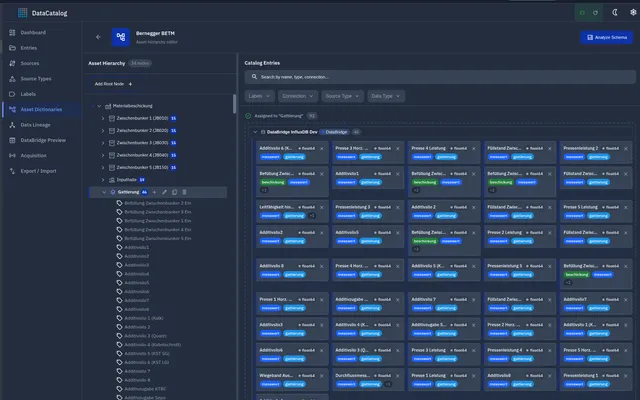
Steel mill, quarry, dairy plant, wind farm, warehouse — any industrial profile models its reality its own way. DataCatalog fits all of them: define plant/area/line/machine, ISA-95, or any custom tree with as many asset types and levels as you need.
Engineering Units & Metadata
Define units, ranges, descriptions, and custom attributes per tag. Metadata travels with the data.
Live Preview
See real-time values directly in the catalog. Validate your configuration before going live.
Platform Screenshots
DataCatalog Interface
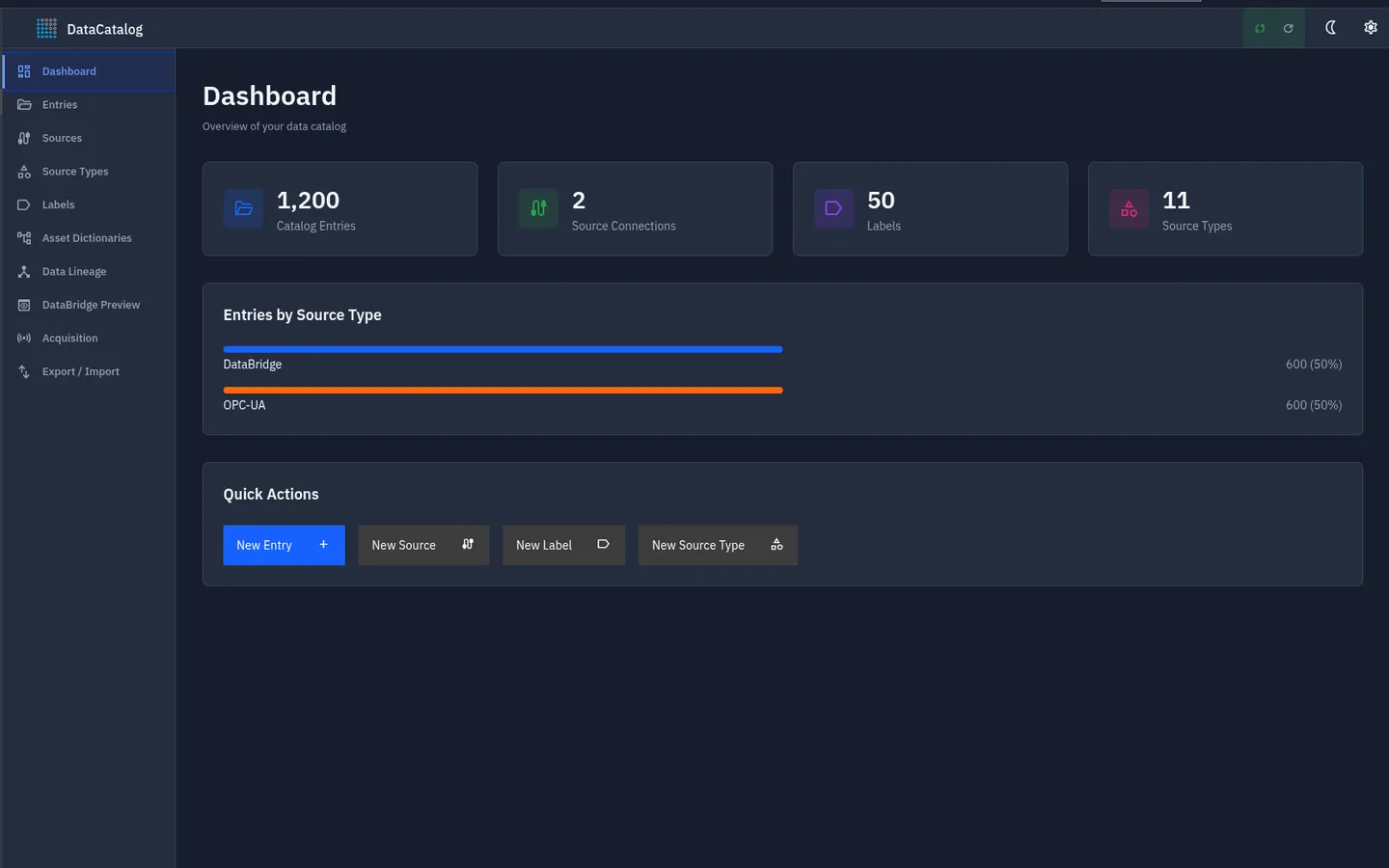
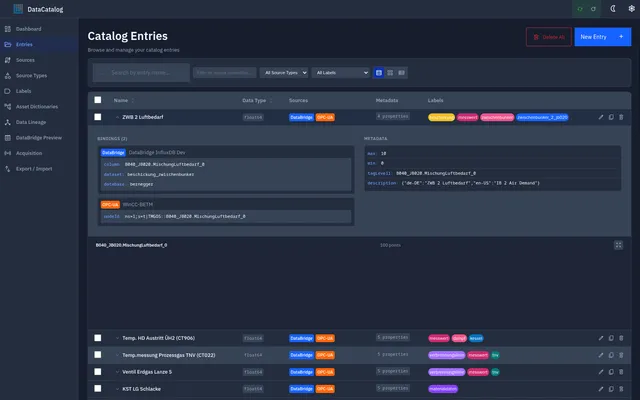
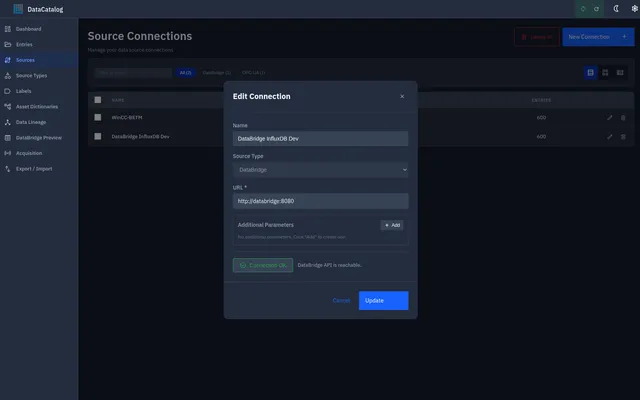
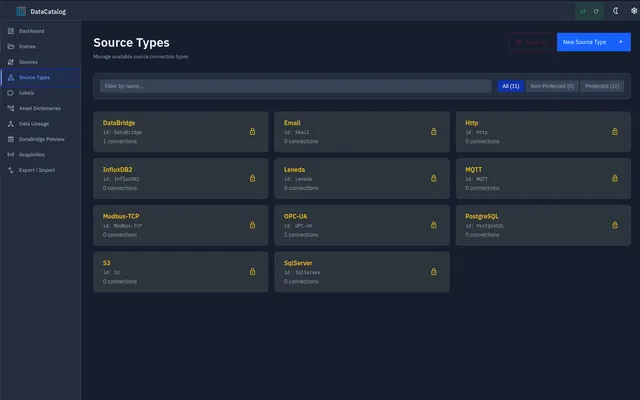
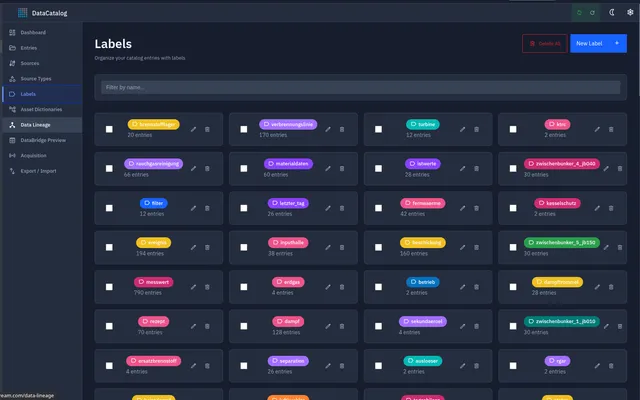
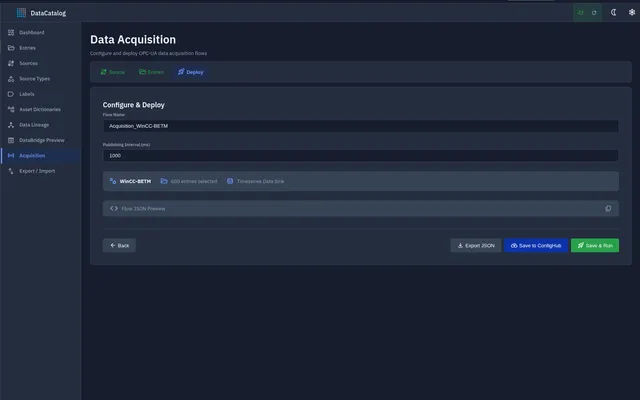
Explore the DataCatalog UI — asset tree, schema editor, asset dictionary, and REST API documentation. Click any screenshot to zoom in.
How It Works
Getting Started with DataCatalog
Four steps from zero to production.
Connect a Source
Point DataCatalog at your OPC UA server, Modbus device, or MQTT broker.
Auto-Scan Tags
The scanner discovers all available tags and populates the catalog automatically.
Enrich & Organize
Add descriptions, units, ranges, and map tags into your asset hierarchy.
Publish
All downstream modules — DataBridge, FlowMaker, AI Engine — consume the catalog as their source of truth.
Integrations